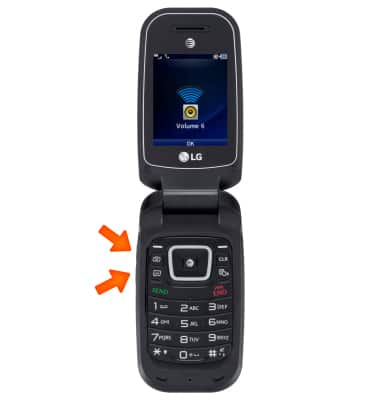
- While on an active call, press the Volume keys to adjust the volume.
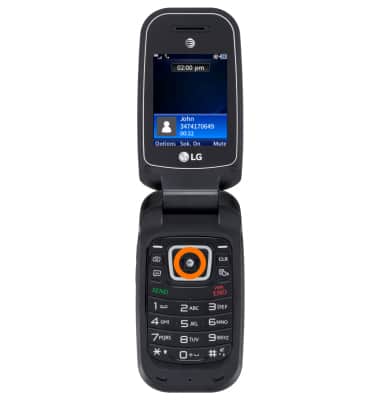
- To turn on speakerphone, press the OK key.
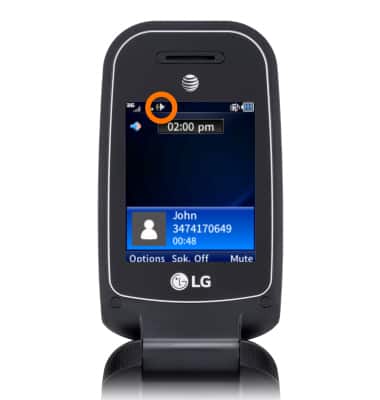
- While speakerphone is enabled, the Speakerphone icon will display.
- To Mute, select Mute. Select Unmute to turn mute off.
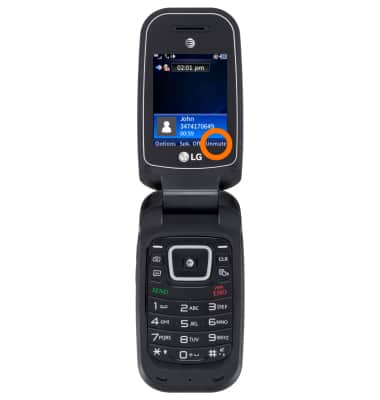
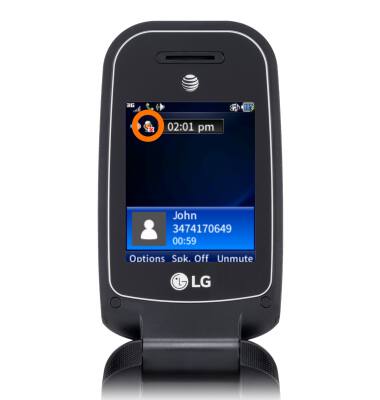
- While mute is enabled, the Mute icon will display.
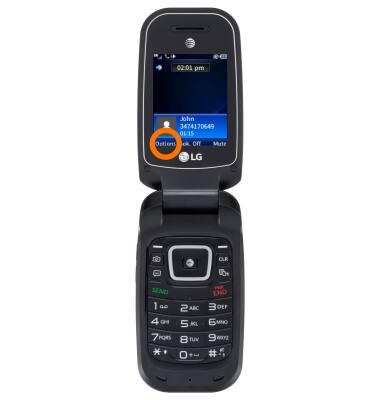
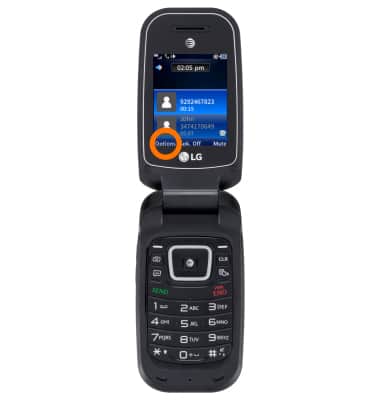
- To access the menu from the call screen, select Options.
- To add a call enter the desired number, or from the Options menu, select Contacts and select the desired contact.
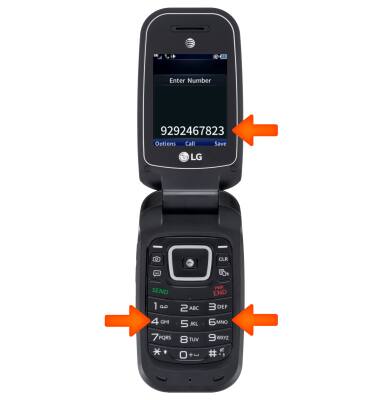
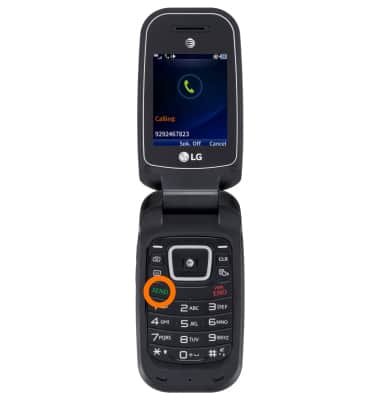
- Press the SEND key.
- Select Options.
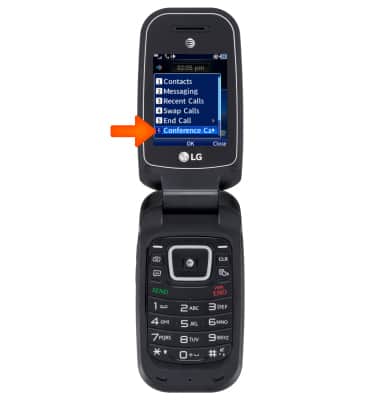
- Select Conference Call.
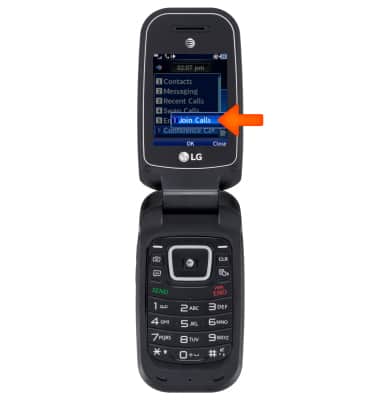
- Select Join Call.
- To put a call on hold, press the SEND key.
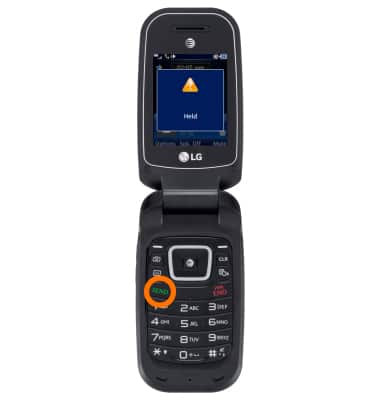
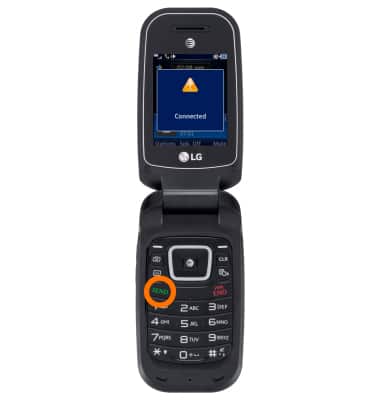
- To take a call off of hold, press the SEND key.
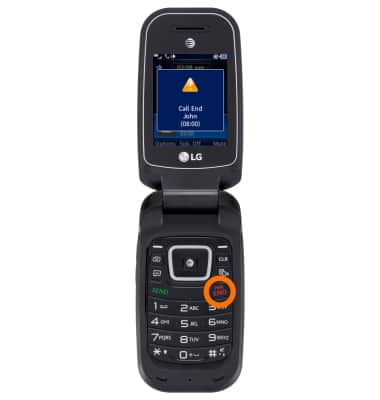
- To end a call, press the END key.
In-call options
LG B470/B471
In-call options
Learn what features are available while on an active call.
INSTRUCTIONS & INFO