- To change your voicemail password, you must know your current voicemail password.
Note: If you have forgotten your existing voicemail password, you will not be able to access Voicemail until you reset your voicemail password.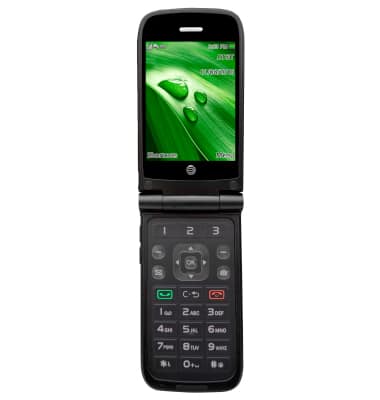
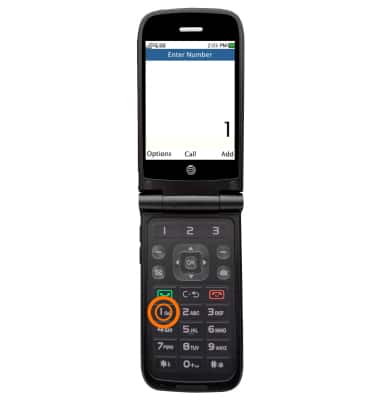
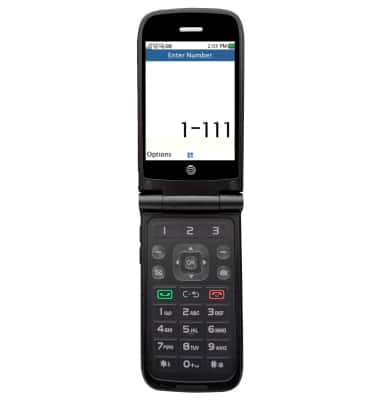
- From the home screen, press and hold the 1-key.
- Enter your voicemail password.
- Press 4 for personal options.
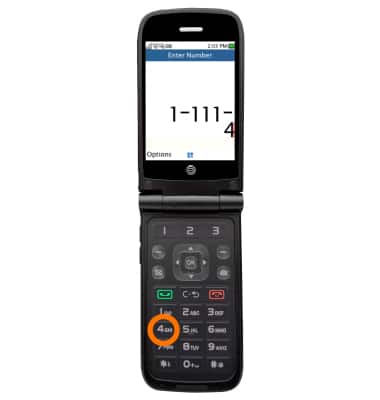
- For administrative options, press 2.
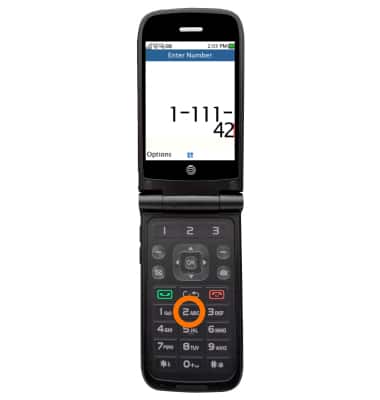
- For password, press 1.
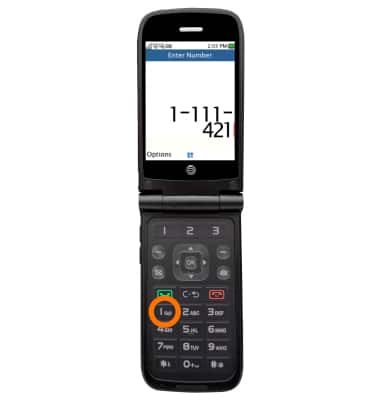
- For passwords, press 1 again.
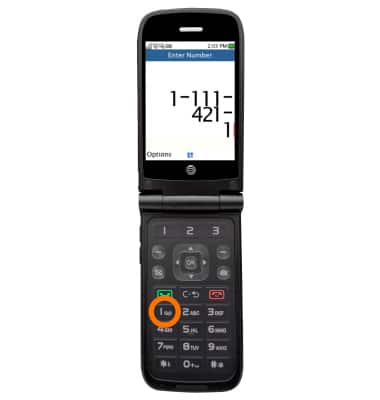
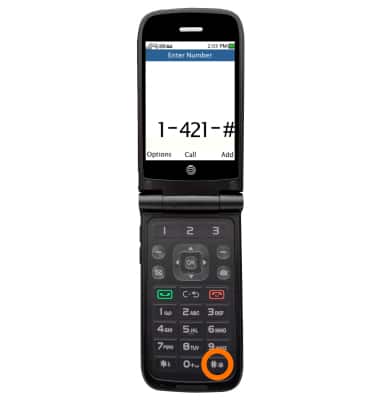
- Enter the new password, then press #.
Change or Reset Voicemail Password
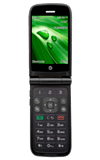
AT&T Cingular Flip (M3620)
Change or Reset Voicemail Password
Reset a forgotten password or change an existing voicemail password.
INSTRUCTIONS & INFO