- NFC is a wireless technology that allows your device to communicate by touching, or being in close proximity to other NFC devices or tags.
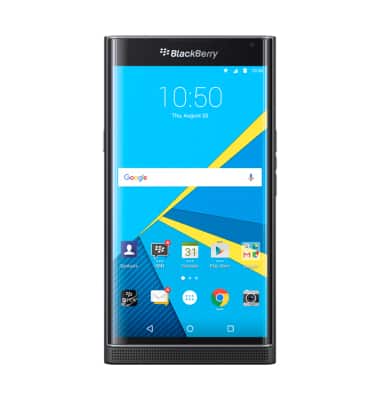
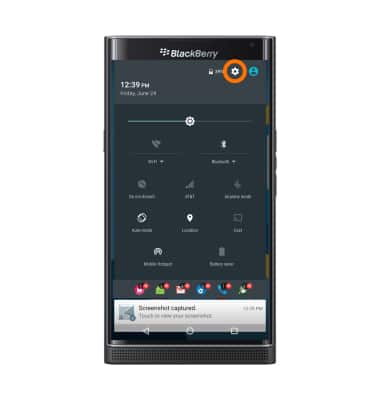
- To turn NFC on, from the Home screen, swipe down from the top of the screen. Tap the Settings icon.
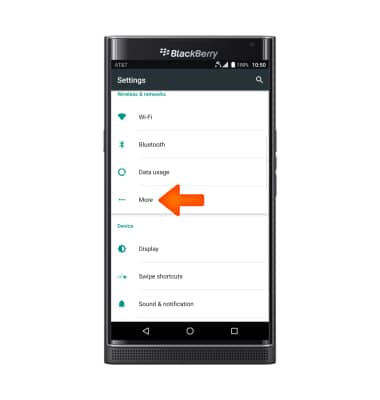
- Under the Wireless & networks tab, tap More.
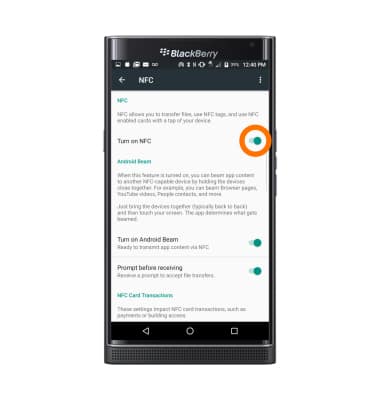
- Tap NFC.
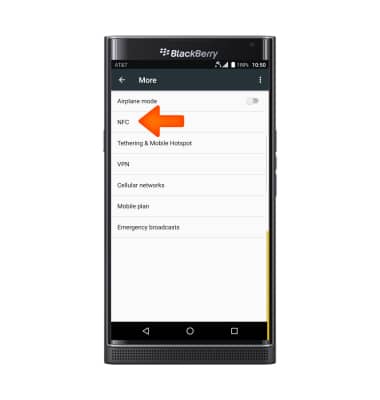
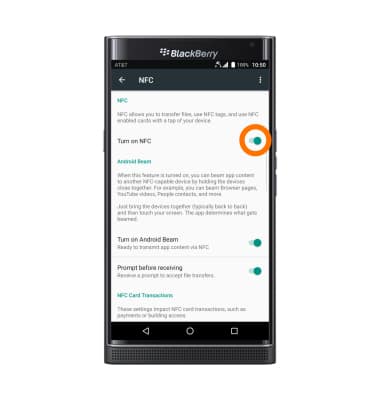
- Tap the On/Off toggle to Turn on NFC.
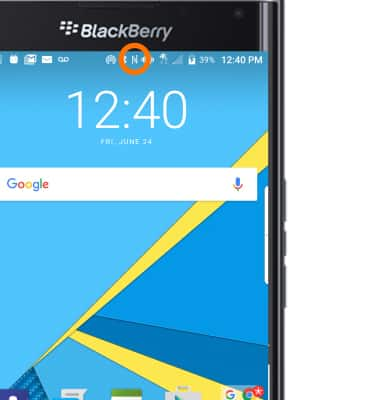
- When NFC is on, the NFC icon will display in the notification bar.
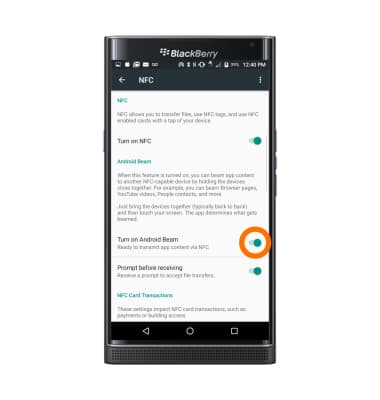
- To share content with another NFC enabled device with Android Beam, tap the On/Off toggle to turn on Android Beam.
- Select the Desired content to share.
Note: For this example use a picture.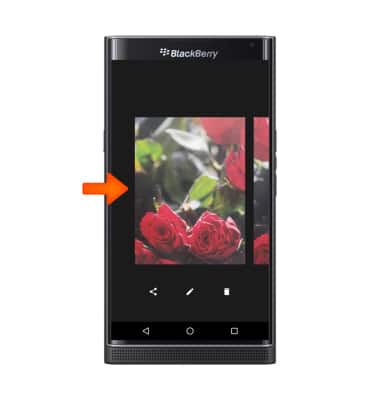
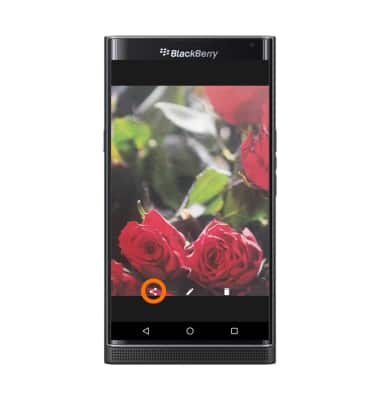
- Tap the Share icon.
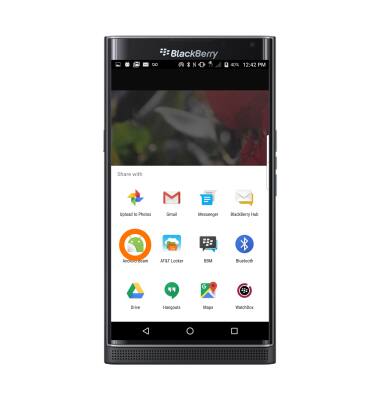
- Tap Android Beam.
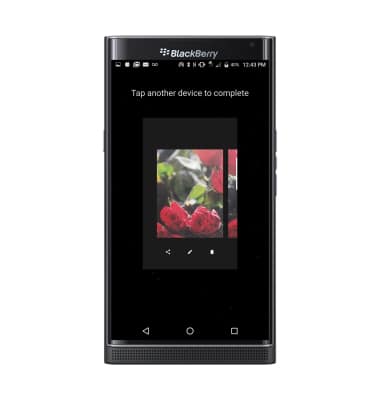
- When the file is ready, hold the device against another NFC enabled device to activate Android beam.
- To turn NFC off, from the home screen, swipe down from the top of your screen. Tap Settings icon > More > NFC > On/Off Toggle.
NFC
BlackBerry PRIV by BlackBerry (STV100-1)
NFC
Use NFC to share content such as photos and contacts between compatible devices.
INSTRUCTIONS & INFO