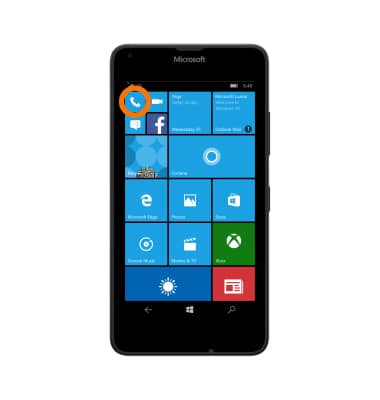
- To access Caller ID settings, from the Start screen, tap the Phone tile.
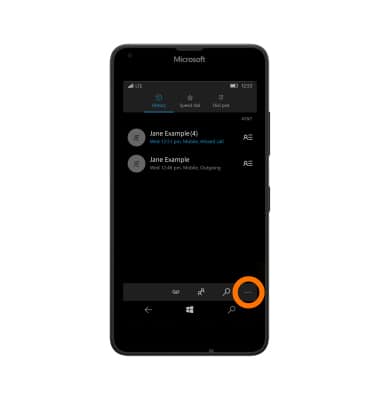
- Tap the Menu icon.
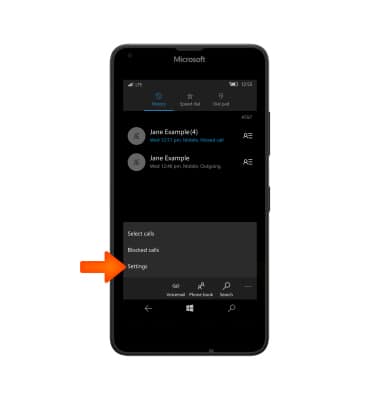
- Tap settings.
- Tap the ‘Show my caller ID to’ field.
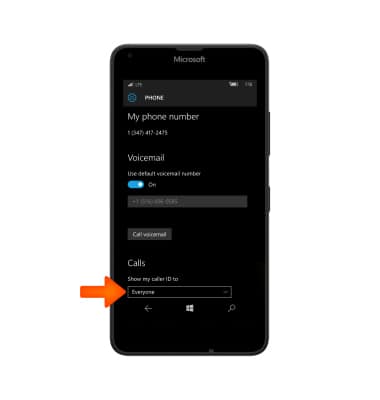
- Tap the Desired option.
Note: To block caller ID on a per call basis: From the dial pad, enter #31# + the 10-digit number, and then tap call. Alternately, *67 may be available in some markets. Enter *67 + the 10-digit number.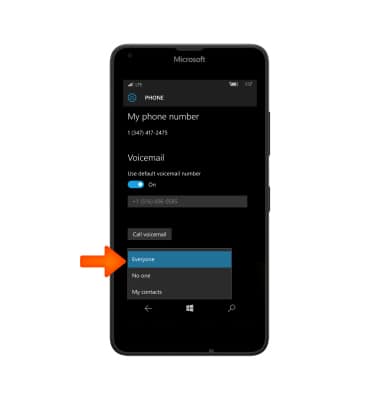
Caller ID
Microsoft Lumia 640
Caller ID
Show or hide your caller ID when making calls.
INSTRUCTIONS & INFO