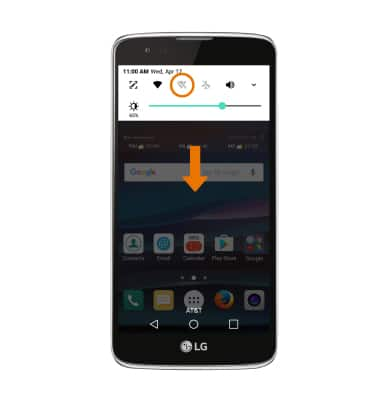
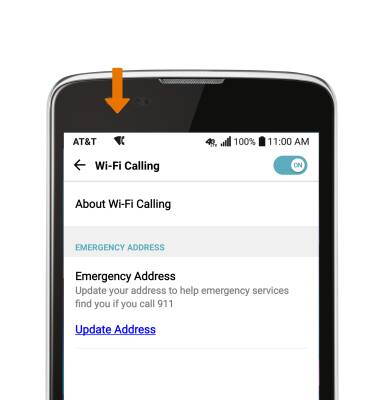
- TURN ON/OFF WI-FI CALLING: Swipe down from the Notification bar, then select the Wi-Fi Calling icon.
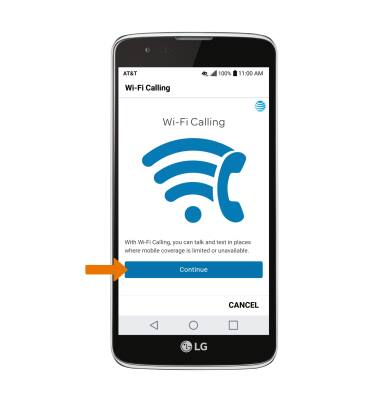
- First-time users will be prompted to review the terms and conditions on using Wi-Fi calling. Select Continue.
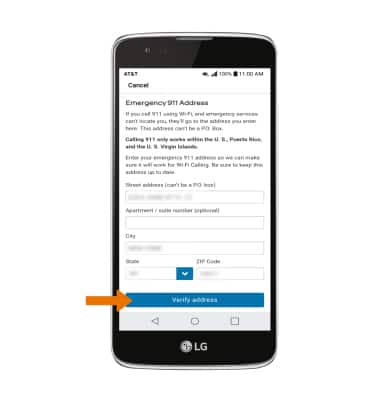
- Read the on-screen prompts and enter your Emergency 911 Address, then select Verify address.
- Verify the address, then select Use this address.
Note: If the address is not correct, select Enter a different address to re-enter the address.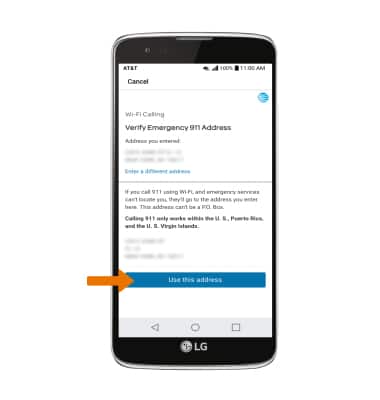
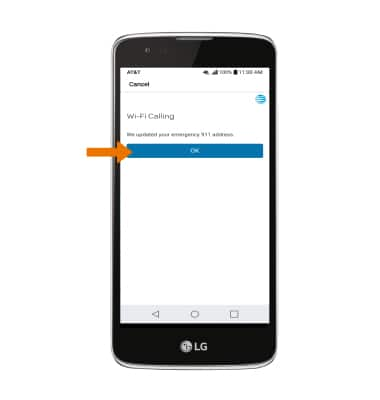
- Select OK.
- When setup is complete, select OK.
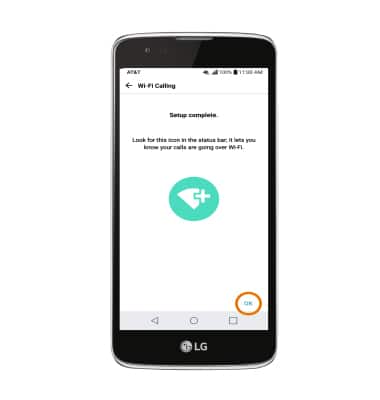
- USE WI-FI CALLING: When your phone is connected to Wi-Fi, Wi-Fi Calling is on, and a cellular connection is unavailable or poor, you'll see the Wi-Fi Calling icon in the status bar to indicate that calls will be carried over Wi-Fi.
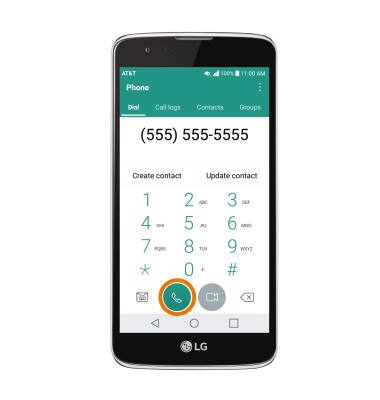
- Making a call is the same whether on cellular or Wi-Fi. From the home screen, select the Phone app > dial the desired number > select the Call icon.
Wi-Fi Calling
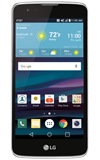
LG Phoenix 2 (K371)
Wi-Fi Calling
Use your Wi-Fi connection to talk and text when cellular coverage is limited or unavailable.
INSTRUCTIONS & INFO

Wi-Fi Calling is turned on as part of the activation process. To use Wi-Fi Calling, you'll need a Wi-Fi Internet connection and a postpaid AT&T wireless account provisioned with HD Voice. Certain restrictions, requirements or limitations may apply. Visit About Wi-Fi Calling or att.com/wificalling for more details.