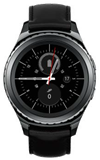
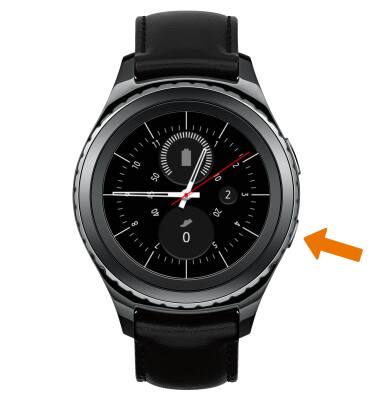
- SHARE FILES FROM WATCH TO PHONE: From the clock screen, press the Power/Home button.
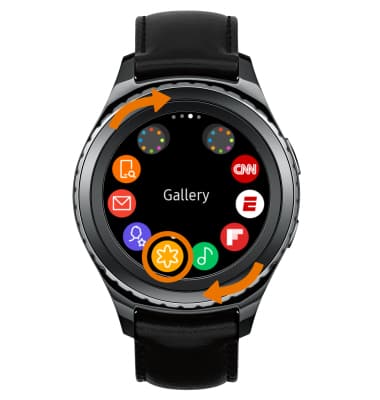
- Rotate the bezel to and select the Gallery app.
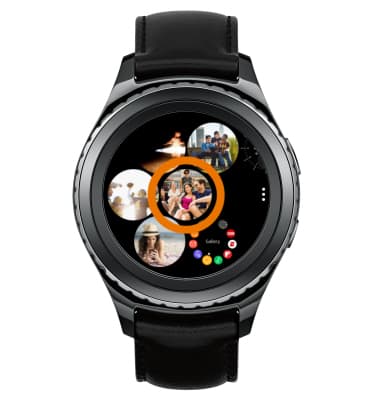
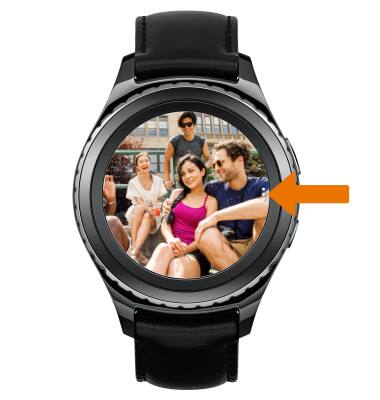
- Select the desired photo.
- Select the Menu icon.
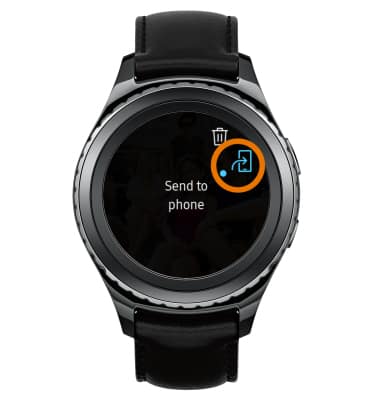
- Select the Send to phone icon.
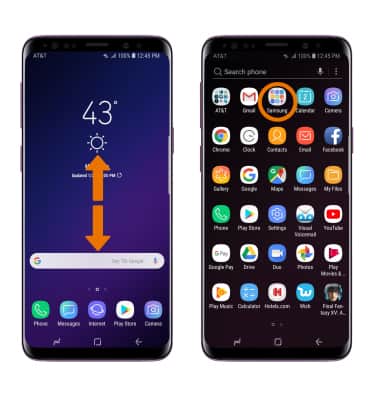
- SHARE FILES FROM PHONE TO WATCH: On the paired device, from the home screen swipe up or down to access the Apps tray then select the Samsung folder.
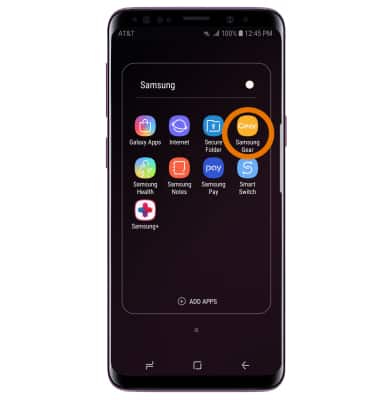
- Select the Samsung Gear app.
- Select the Settings tab, then select Transfer content to Gear. Select the desired location you wish to transfer content from.
Note: For this demonstration, Select photos was selected.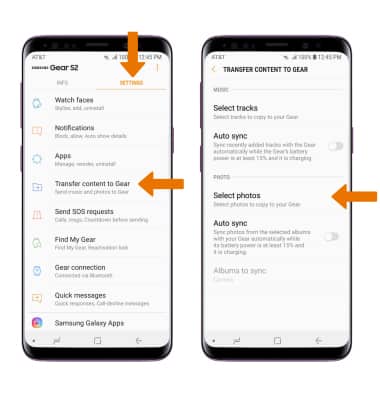
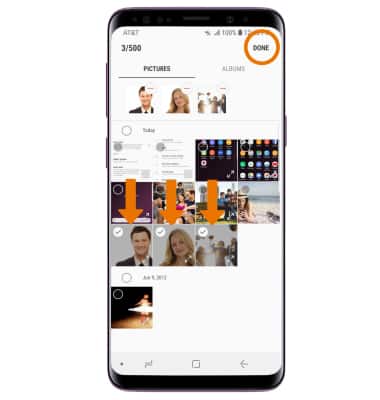
- Select the desired content, then select DONE.
File Sharing
Samsung Gear S2 classic (R735A)
File Sharing
Share files from your watch to paired device and vice versa.
INSTRUCTIONS & INFO