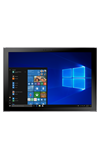
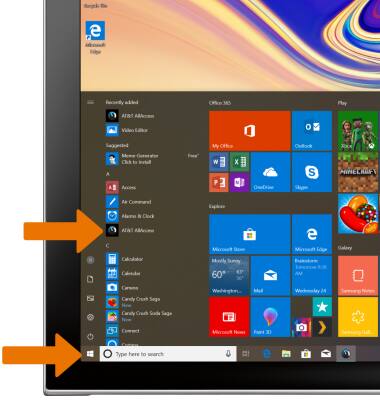
- From the home screen, select the Start icon then select AT&T AllAccess.
Note: Learn how to Activate service on your device or SIM. AT&T AllAccess will automatically download to the device when a SIM is installed. If AT&T AllAccess is not automatically installed, view Download Apps & Games for help downloading an app.
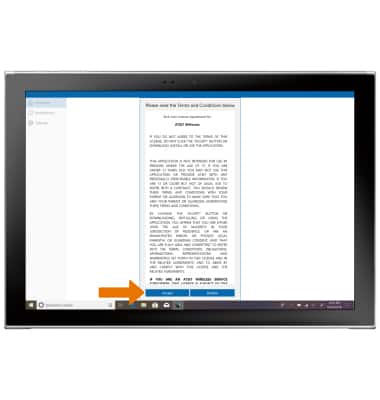
- Review the Terms and Conditions, then select Accept.
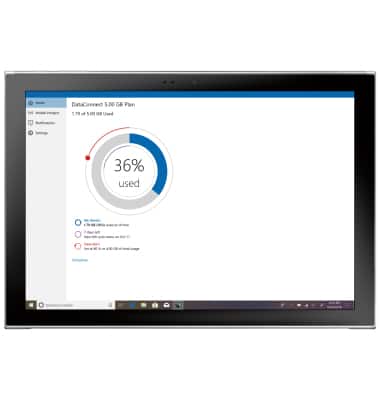
- AT&T AllAccess is now activated.
Activate Device
Samsung Galaxy Book2 (W737A)
Activate Device
Activate your rate plan using AT&T AllAccess.
INSTRUCTIONS & INFO

Starting December 31, 2022, the AT&T AllAccess app is going away. As a result, some features on your device may no longer be supported. You'll be able to view data usage and notifications on your myAT&T account page, and you can explore other options to stay connected with your device on the go. Learn more about mobile hotspot options.