Samsung Galaxy S20 FE 5G Device Help & How-To Guides
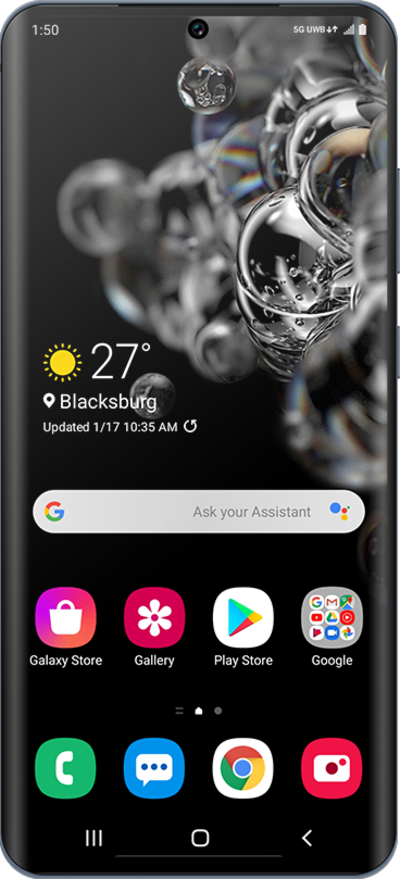
What would you like to learn about your device?
Trending Galaxy S20 FE 5G topics
Turning Your Phone On and Off
Turning your device off and on is called "restarting" your device. Restarting your device is a common first step in troubleshooting any device issues. No saved information will be lost during a restart.
ExploreSending a text
Compose and send a standard SMS message with your device's text messaging app. You can send a text message to an individual or a group.
ExploreBlocking and unblocking a contact
If you no longer want to receive text messages or phone calls from a contact, you can block their number on your device. This however does not prevent the contact from leaving voicemails.
ExploreClearing browsing data
Learn how to clear your web browsing history for the browser on your device.
Explore