Changing screen layout settings
Galaxy Z Flip 5G
Changing screen layout settings
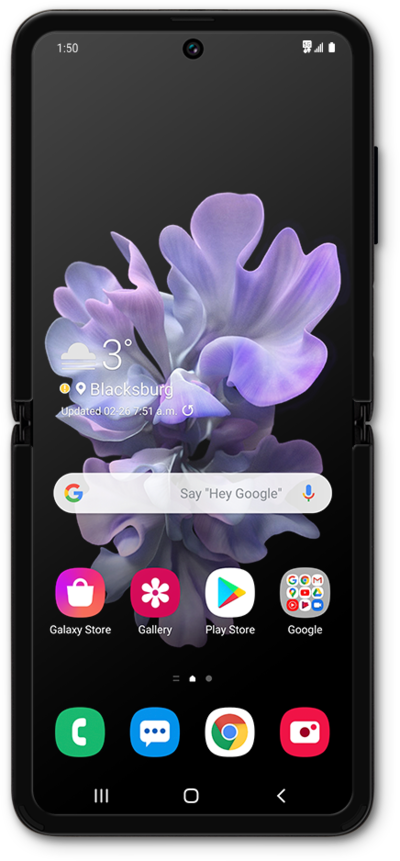
You can select your preferred screen layout in your devices settings.
1.
From the Home screen, swipe up to view your apps.
2.
Tap Settings
3.
Tap Display.
4.
Scroll to Screen zoom.
5.
Tap Screen zoom.
6.
Select your preferences.
7.
You've completed the steps!
