Adding and removing shortcuts
Galaxy Tab S7+
Adding and removing shortcuts
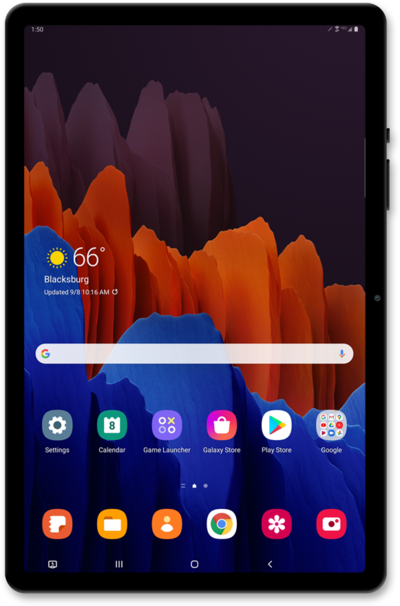
Learn how to add or remove Pen Pop shortcuts from your device. Pen Pop shortcuts allow you to quickly access important applications when your stylus is in use.
1.
From the Air Command screen, tap Add with your S Pen.
2.
Select a shortcut to add.
3.
Tap the Back icon to view your changes.
4.
You've completed the steps!
