Creating a group and adding contacts to It
DuraForce Pro 2
Creating a group and adding contacts to It
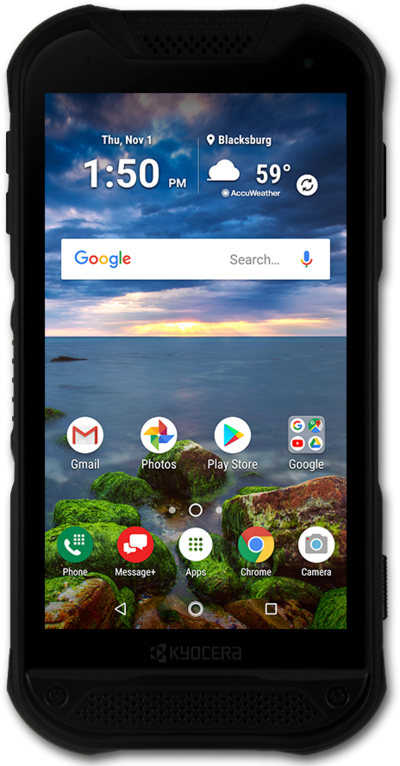
Create a group to combine contacts that you typically contact together. You will be able to select the group as you would a contact for text messaging. Note that a group might have a limit on how many contacts can be added depending on the device.
1.
From the Contacts app main screen, tap GROUPS.
2.
Tap the Add Group icon.
If prompted, select your contact storage location.
3.
Tap the Group's name field.
4.
Enter a group name.
5.
Tap Add/remove contacts.
6.
Select a contact.
7.
Tap DONE.
To add more contacts to the group, repeat steps 5-7.
8.
When you're finished, tap SAVE.
9.
You've completed the steps!
