Switching between calls
XP3Plus
Switching between calls
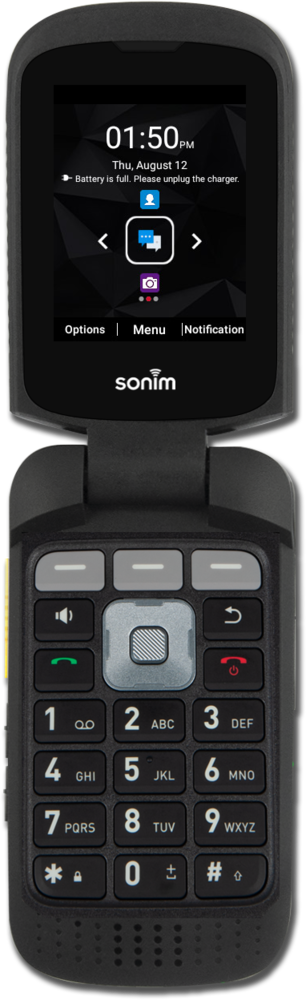
While on a phone call, you may receive a second phone call. You can put one phone call on hold and talk to other other and switch between them.
1.
From the Active Call screen, press the Call button to answer the incoming call.
This will put the original call on hold.
2.
Press the Select button.
3.
Press the Left button to put the current call on hold and connect with the other call.
4.
Press the End button to end the current call.
When you end one call, you'll automatically switch to the other call that was on hold.
5.
You've completed the steps!
