Setting up Google Assistant™
Pixel 3a XL
Setting up Google Assistant™
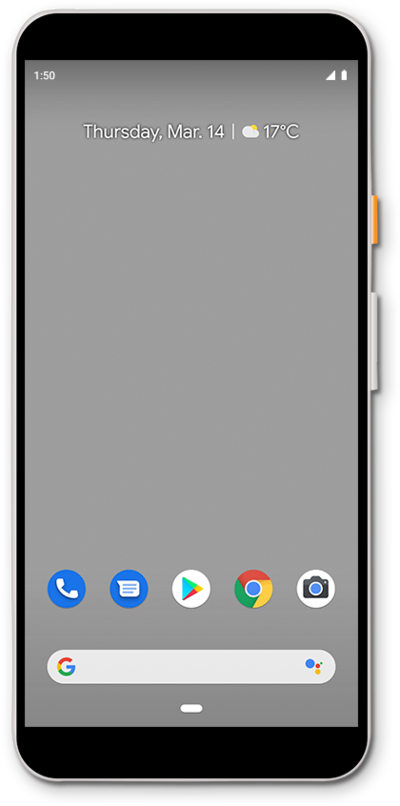
You can ask the Google Assistant to send emails, send texts, or start phone calls for you. In order to use the Google Assistant it needs to be set up first.
1.
From the Home screen, tap the Microphone icon in the Google Search widget.
You must be signed in to a Google account to use Google Assistant.
2.
Tap Get Started.
3.
Tap Continue.
4.
Tap Next.
5.
Tap Yes I'm In.
6.
You've completed the steps!
