Setting up corporate email
Galaxy Tab A 8.4
Setting up corporate email
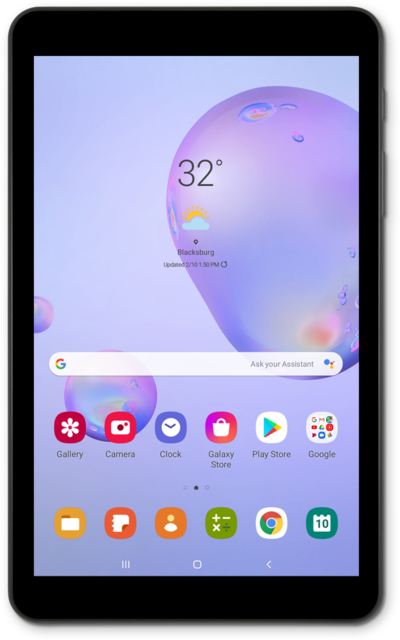
Set up a corporate email account on your device so that you can check and send work email on the go. You can add multiple email accounts to your device.
1.
From the Home screen, tap the Google folder.
2.
Tap Gmail.
3.
Tap the Account icon.
4.
Tap Add another account.
5.
Tap Exchange and Office 365.
6.
Enter your email address.
7.
Tap Next.
8.
Tap the Password field.
9.
Enter your password.
10.
Tap the Go key.
If you're prompted for domain names, server addresses, etc., you may need to contact your IT professional to obtain this information.
11.
Tap Done
If desired, enter an account alias and a name to appear on your outgoing emails.
12.
You've completed the steps!
