Changing store settings
Galaxy Tab A 8.4
Changing store settings
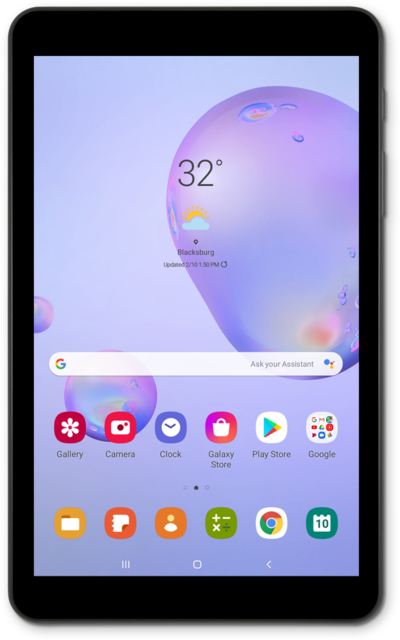
Explore the settings of your device's app store. Depending on your device you can change things such as video autoplay, when to use cellular data to download an app, parental controls, and more.
1.
From the Play Store app main screen, tap the Account icon.
2.
Tap Manage apps and device.
From this screen, you can adjust your account preferences and view your order history.
3.
Tap the Back button.
4.
Tap the Account icon.
5.
Tap Play Protect.
From this screen, you can adjust your Google Play Protect security preferences and view your security history.
6.
Tap the Back button.
7.
Tap the Account icon.
8.
Tap Settings.
From this screen, you can adjust your general preferences and user controls.
9.
You've completed the steps!
