Connecting the Galaxy Watch to mobile data
Galaxy Watch Active 2
Connecting the Galaxy Watch to mobile data
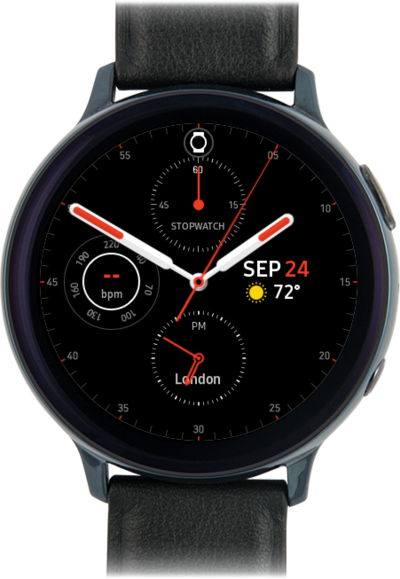
Activate stand alone service on your watch by connecting the device to mobile data.
1.
From a watch face, drag down the Quick settings panel.
2.
Tap the Settings icon.
3.
Scroll to Connections.
4.
Tap Connections.
5.
Scroll to Mobile networks.
6.
Tap Mobile networks.
7.
Tap the Check mark icon.
Follow the prompts on your phone to complete the mobile network set up.
8.
You've completed the steps!
