Setting up your second cellular plan with eSIM
Galaxy Tab S7
Setting up your second cellular plan with eSIM
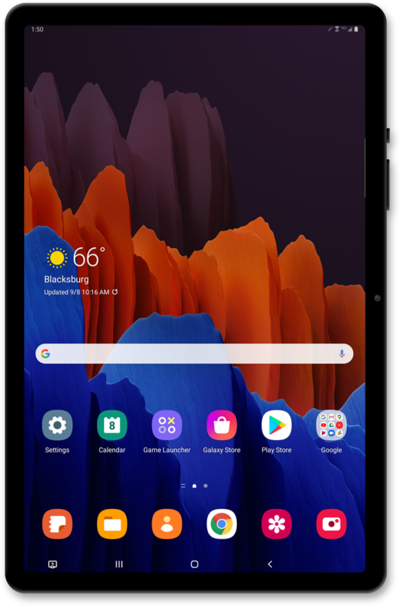
Adding a secondary eSIM alongside a physical SIM or eSIM allows you to quickly switch between two cellular plans and/or carriers for voice or data.
1.
From the Connections tab in Settings, tap SIM Manager.
2.
Tap Add eSIM.
3.
Tap Other ways to connect to a mobile network.
4.
Tap Scan QR code from service provider.
5.
Place the QR code provided by your carrier within the camera frame.
Your Device's camera automatically detects QR codes. If your carrier didn't provide a code, you may need to use their app to purchase a cellular plan.
6.
Tap Add.
7.
Tap Next.
8.
Tap Done.
9.
You've completed the steps!
