Setting up Sensitive Content Warnings for Photos and Videos You Receive
iPhone XR
Setting up Sensitive Content Warnings for Photos and Videos You Receive
Content Warnings protect users against sensitive and inappropriate content received through messages, contact photos, stickers, AirDrop, and other apps.
1.
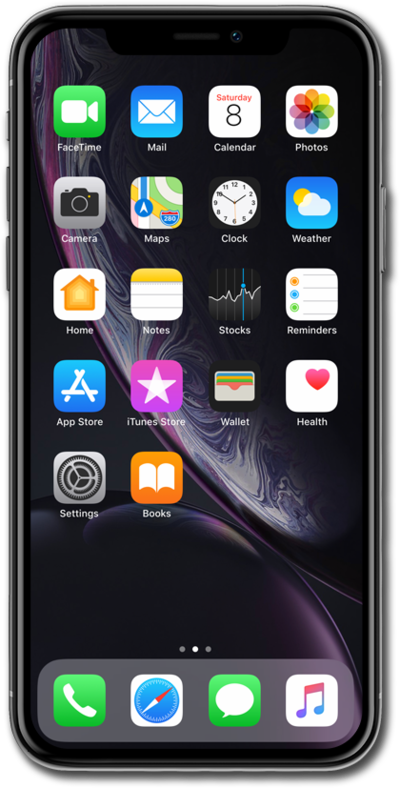
From the Settings app, scroll to and tap Privacy & Security.
2.
Scroll to and tap Sensitive Content Warning.
3.
Tap or slide the Sensitive Content Warning switch to ON.
4.
You've completed the steps!
