Adding shortcuts to your Lock Screen
Pixel 9a
Adding shortcuts to your Lock Screen
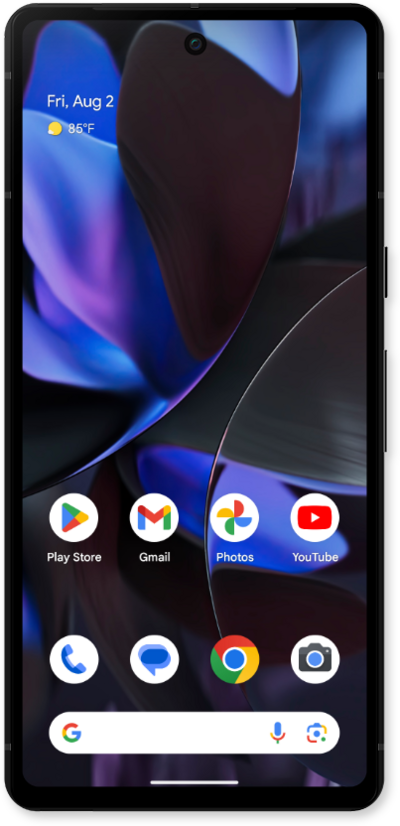
Some apps can be accessed quickly from your lock screen. You can change the apps that appear on the lock screen for quick access.
1.
From within the Settings app, scroll to Wallpaper and style.
2.
Tap Wallpaper and style.
3.
Scroll to More lock screen options.
4.
Tap More lock screen options.
5.
Tap Shortcuts.
6.
Tap Right shortcut.
7.
Choose your preferred shortcut.
8.
You've completed the steps!
