Connecting to Wi-Fi
Razr+ 2025
Connecting to Wi-Fi
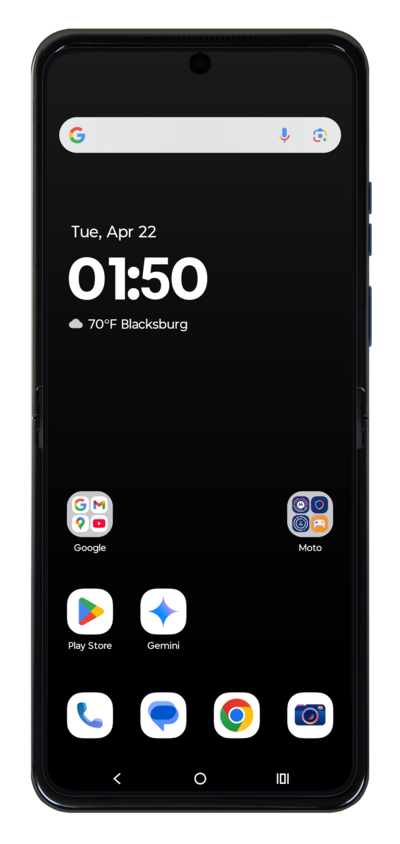
Connecting to a Wi-Fi network can decrease your usage of cellular data. Learn how to join a Wi-Fi network. Note that you may need to enter a password to connect to a Wi-Fi network.
1.
From the Home screen, drag down the Notification panel.
2.
Touch and hold Wi-Fi.
If you already have a Wi-Fi connection set up, just tap Wi-Fi to turn it on and off.
3.
Tap or slide the Wi-Fi switch to ON.
4.
Select the Wi-Fi network you'd like to connect to.
Wi-Fi hotspots may have security limitations, requiring a password. If necessary, enter the network password.
5.
You've completed the steps!
