Adjusting RTT/TTY calling settings with Android Accessibility
Galaxy S20 Ultra 5G
Adjusting RTT/TTY calling settings with Android Accessibility
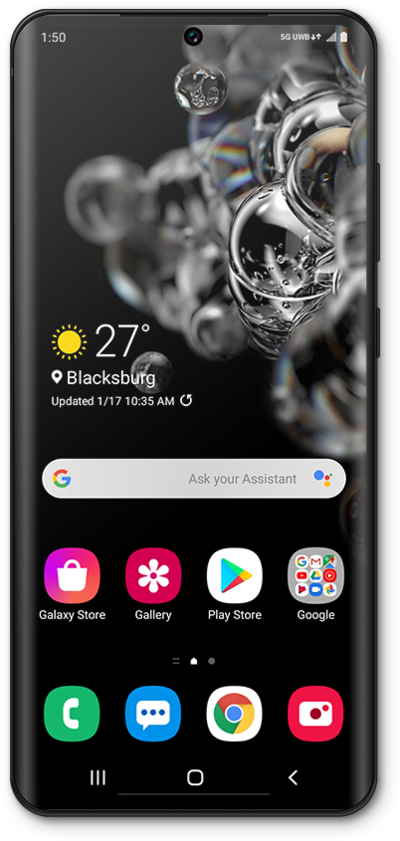
Learn how to adjust your RTT/TTY calling settings. This feature allows you to communicate effectively over the phone if you are having hearing or speech difficulties.
1.
From the Accessibility section of Settings, scroll to Real-time text (RTT).
2.
Tap Real-time text (RTT).
3.
Choose when you would like the RTT call button to appear.
4.
You've completed the steps!
