Using screen magnification
Galaxy S20 Ultra 5G
Using screen magnification
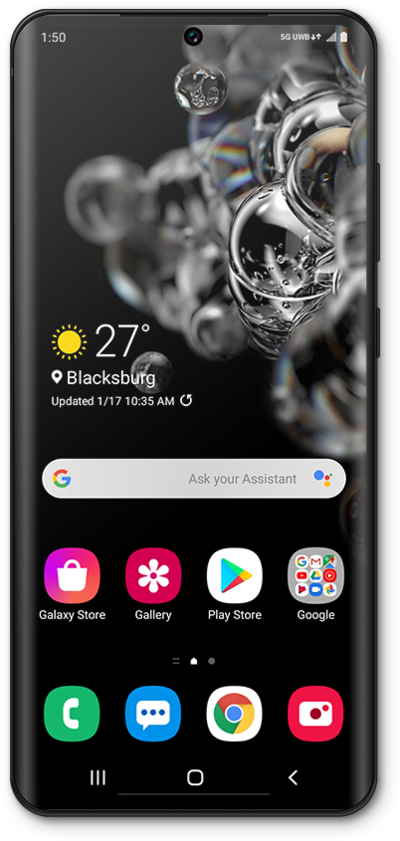
Use the magnification box to enlarge certain parts of your screen. This option can be toggled on or off in your accessibility settings.
1.
From the Settings app, scroll to Accessibility.
2.
Tap Accessibility.
3.
Tap Visibility enhancements.
4.
Scroll to Magnification.
5.
Tap Magnification.
For this tutorial, we are demonstrating how to use magnification with a triple-tap. You can also use an accessiblity button but steps may vary based on what you choose.
6.
Tap or slide the Magnification shortcut switch to ON.
7.
Tap Magnification shortcut.
8.
Tap Triple-tap screen.
9.
Quickly tap three times on a region of the screen you'd like to magnify.
10.
Quickly tap the screen three times again to zoom back out.
11.
You've completed the steps!
