Changing roaming settings for a trip
Journey R
Changing roaming settings for a trip
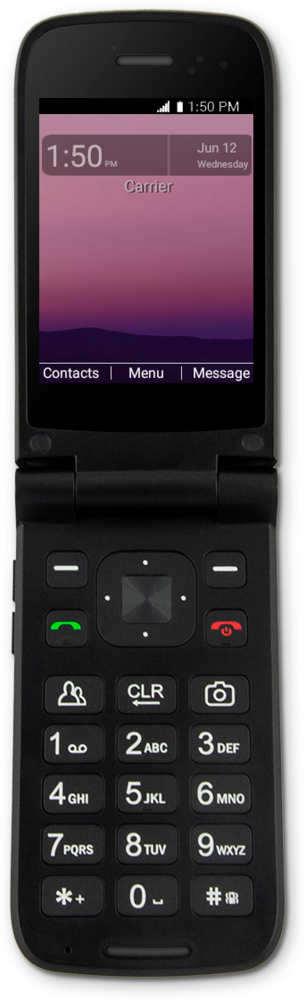
When traveling internationally, you may want to turn data roaming on and off to conserve data and minimize unwanted fees.
1.
From the Settings app, select Wireless & networks.
2.
Navigate to Cellular networks.
3.
Select Cellular networks.
4.
Navigate to Data roaming access.
5.
Select Data roaming access.
6.
Navigate to your preferred setting.
Turning data roaming on allows you to connect to data services while roaming. Turn data roaming off to keep from incurring significant charges.
7.
Select your preferred setting.
8.
You've completed the steps!
