Attaching a File to a Text
Nord N30 5G
Attaching a File to a Text
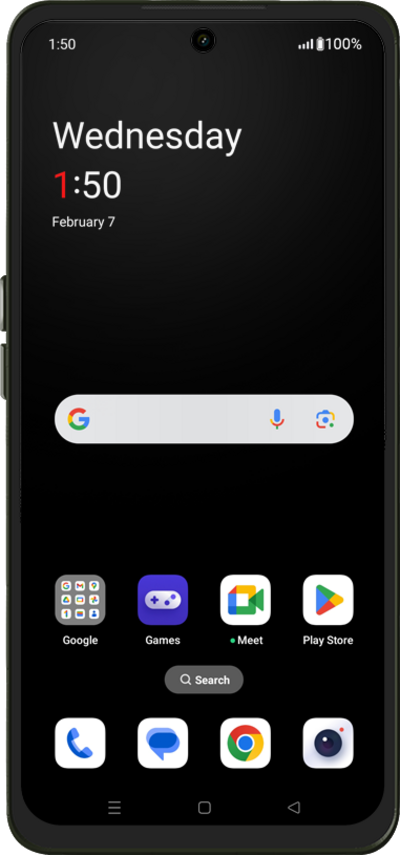
By adding a file, such as a photo or video, you will turn your SMS message into a MMS message (multimedia text message). You can send a multimedia text message to an individual or a group.
1.
From a composed message, tap the Photo icon.
2.
Tap Folders.
3.
Select an image.
4.
Tap the Send icon.
5.
You've completed the steps!
