Transferring Content from Your Old Device with a USB Connection
Nord N30 5G
Transferring Content from Your Old Device with a USB Connection
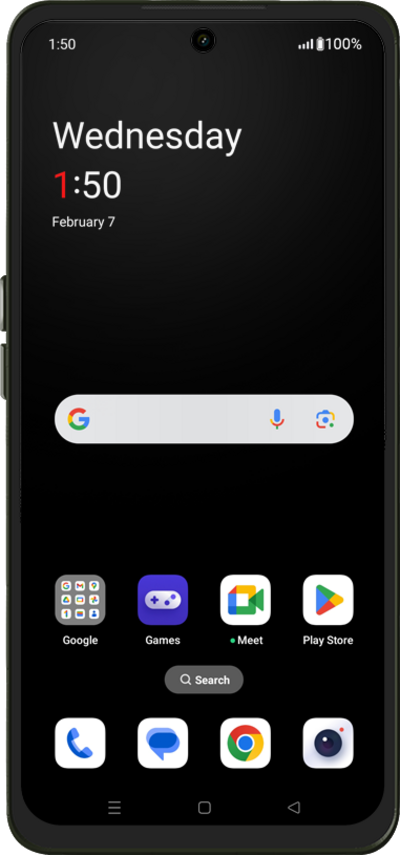
Move your pictures, videos, and other media files from your old device to your new device using a USB cable.
1.
Tap the Arrow icon.
2.
Tap Next.
3.
Tap Continue.
4.
Tap Next.
5.
Select your Wi-Fi network.
6.
Enter your network's password, then tap Save.
7.
Tap Next.
8.
Tap Next again.
9.
Tap Next again.
Tap Can't use other device? if you would like to restore your information from a Google backup.
10.
Tap Next again.
11.
Plug a USB cable into your old device and tap Next.
After this step, follow the onscreen prompts to begin transferring your old content. Make sure to connect your old device to the USB cable first.
12.
Choose what you'd like to copy from your old device and then tap Copy.
13.
You've completed the steps!
