Automatically Deleting your 2FA Codes from Messages
iPad Pro 11-inch (2nd generation)
Automatically Deleting your 2FA Codes from Messages
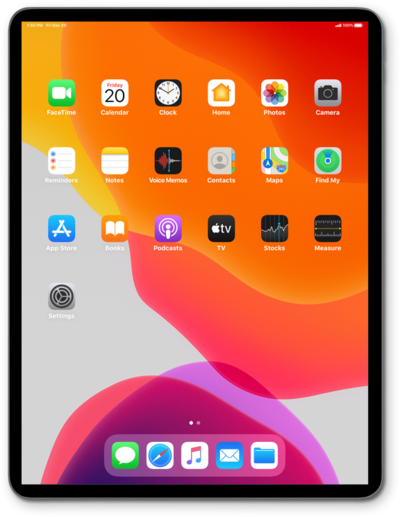
While 2FA verification codes provide another layer of security, they often clog up your text messages and are a pain to consistently remove. Learn how to automatically delete 2FA verification codes from your text messages.
1.
From the Settings app, tap AutoFill & Passwords.
2.
Tap or slide the Delete After Use switch to ON.
3.
You've completed the steps!
