Backing up and restoring your phone
Pixel 9a
Backing up and restoring your phone
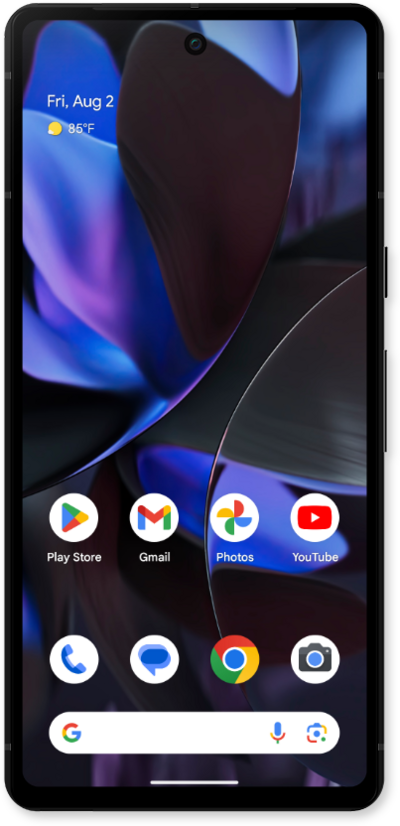
It is a good idea to back up your device's information to the cloud regularly in case something happens to your device. Backing up your device's data to the cloud can also make it easier to set up a new device.
1.
From the Settings app, scroll to and tap Back up or copy data.
2.
Tap Back up data.
3.
Tap Account storage.
4.
Select the account you would like to use to backup your phone.
5.
Tap Back up now.
6.
You've completed the steps!
