Navigating to your Cellular Settings
Pixel 9a
Navigating to your Cellular Settings
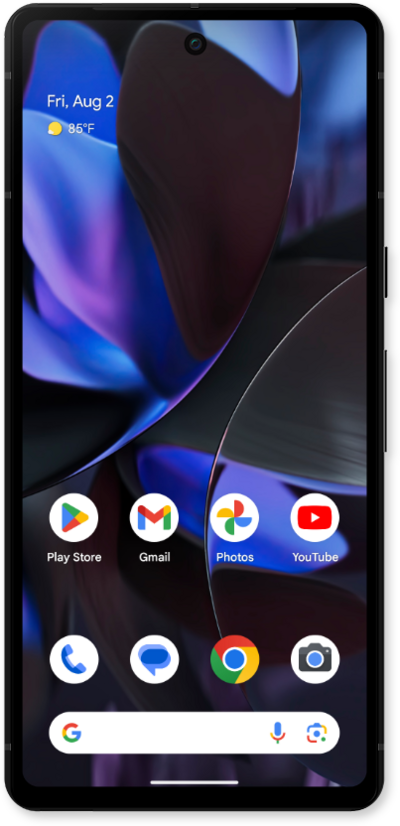
This tutorial guides you through accessing your mobile phone's Cellular Settings, where you can manage your mobile data, adjust network preferences, configure roaming, and control other essential cellular connectivity options.
1.
From the Settings app, tap Network and internet.
2.
Tap SIMs.
If you do not have a eSIM set up or you do not have a physical sim inserted into you device, follow the onscreen steps to set up cellular connection.
3.
To view your Cellular Settings, select the sim you would like to manage.
4.
You've completed the steps!
