Setting up an eSIM
Pixel Fold
Setting up an eSIM
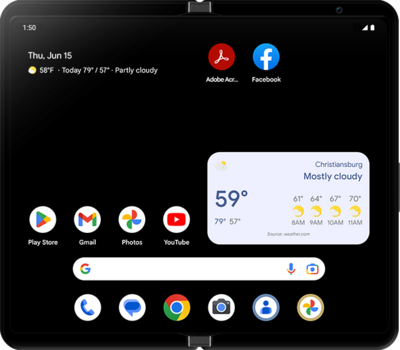
A guide to all the different ways you can set up an eSIM on your device.
1.
From the Settings app, tap SIMs.
2.
Tap Add SIM.
3.
Tap Set up an eSIM.
4.
Select the carrier.
Depending on the selected carrier, it may ask you to contact them to set up an eSIM instead of using an QR code.
5.
Scan the QR code provided by your carrier.
6.
Tap Set up.
7.
Tap Settings.
8.
You've completed the steps!
