Changing your device's name
Flip 2
Changing your device's name
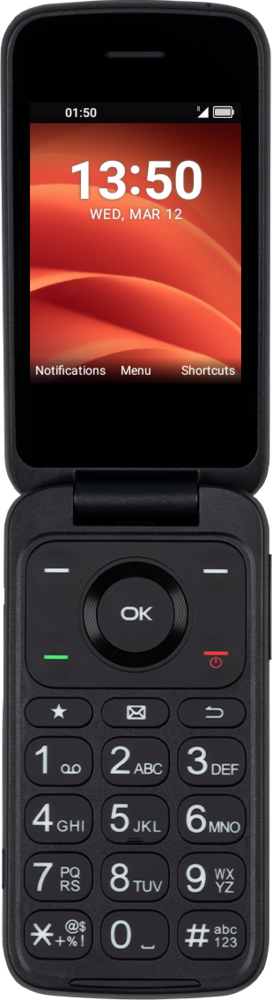
You can change the name of your device. This name will show up when you connect your device to a computer or wirelessly connect to another device.
1.
From Settings, press the OK button to select Wireless & networks.
2.
Navigate to Bluetooth and press the OK button.
3.
Press the Right Option button.
4.
Navigate to Rename device and press the OK button.
5.
Input your new device name using the keypad.
You may first need to press the Back button to clear the existing name.
6.
Press the OK button to save your changes.
7.
You've completed the steps!
