Forwarding a text
Galaxy A14 5G
Forwarding a text
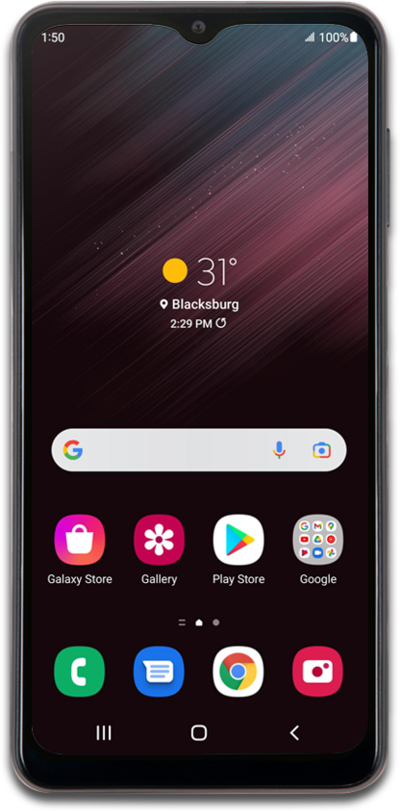
Learn how you can forward a sent or received text or multimedia message to another contact or phone number.
1.
From a text message conversation, touch and hold the message you'd like to forward.
2.
Tap the Menu icon.
3.
Tap Forward.
4.
Select a contact to send the message to.
If necessary, select which of the contact's numbers you'd like to send the message to.
5.
Tap Next.
6.
Tap the Send icon.
7.
You've completed the steps!
