Samsung Galaxy A14 5G Device Help & How-To Guides
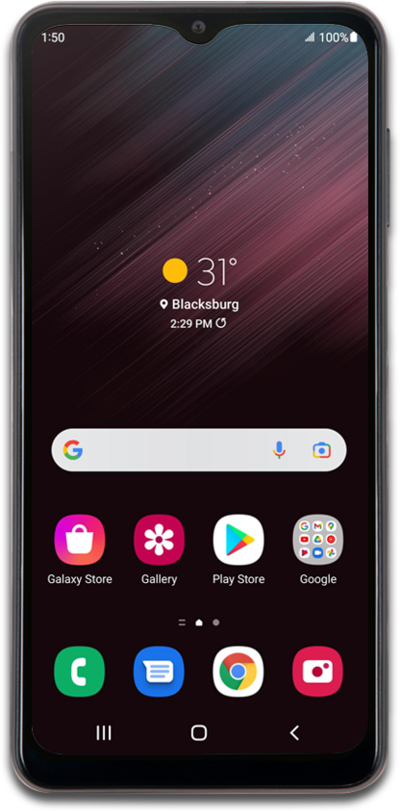
What would you like to learn about your device?
Trending Galaxy A14 5G topics
Resetting network settings
If you are having trouble connecting to the Internet you may need to reset your network connections. Resetting your network connections will disconnect any Bluetooth devices connected to your device and disconnect your device from any Wi-Fi networks it is connected to.
ExplorePerforming a factory reset
A factory reset will erase all data from your device and is irreversible. This is good to do if you are going to trade in or sell your device. It will wipe all of your personal information from the device.
ExploreChanging roaming settings for a trip
When traveling internationally, you may want to turn data roaming on and off to conserve data and minimize unwanted fees.
ExploreTurning on and changing your Voice Access
Voice Access allows you to navigate through your device, and even launch apps, by speaking to your device instead of tapping the screen.
Explore