Using turn-by-turn navigation
Galaxy Tab S10+ 5G
Using turn-by-turn navigation
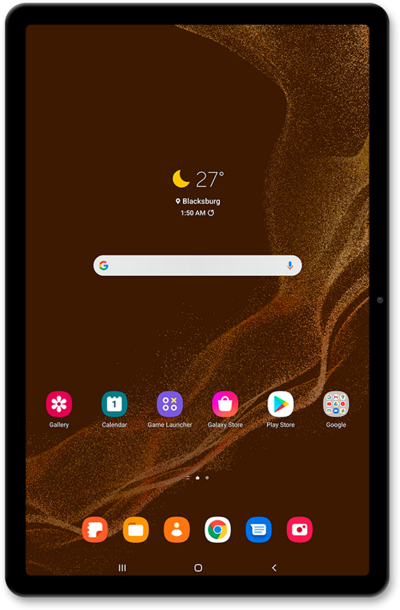
The Maps application can help guide you to your destination with turn-by-turn navigation. You can also use the Maps app to search for nearby places such as restaurants or grocery stores.
1.
From the Maps app main screen, tap the Navigate icon.
2.
Tap the Choose destination field.
3.
Enter a destination.
4.
Select a result.
5.
Tap Start to begin navigating.
6.
You've completed the steps!
