Setting an app timer
Moto G Power 5G (2024)
Setting an app timer
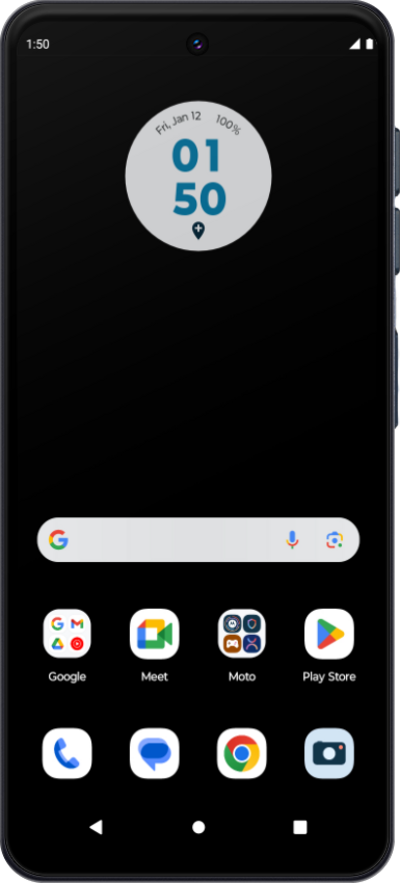
Learn how to set app timers on your device, which give you a way to set a maximum goal for how much time you'd like to spend in a particular app each day.
1.
From within the Settings app, scroll to and tap Digital Wellbeing & parental controls.
2.
Tap View activity details.
3.
Select the app you'd like to set a timer for.
4.
Tap App timer.
5.
Select your desired amount of time.
6.
Tap OK.
7.
You've completed the steps!
