Change your device's default apps
Galaxy A16 5G
Change your device's default apps
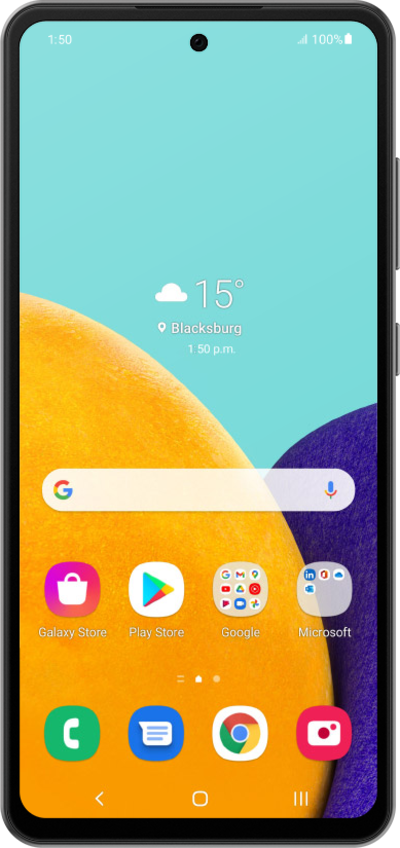
Default apps allow you to choose which apps handle certain actions on your device. Learn how to manage and set these default apps.
1.
From the Settings app, scroll to Apps.
2.
Tap Apps.
3.
Tap Choose default apps.
4.
Select a category to view and change the default app.
5.
You've completed the steps!
