Samsung Galaxy A16 5G Device Help & How-To Guides
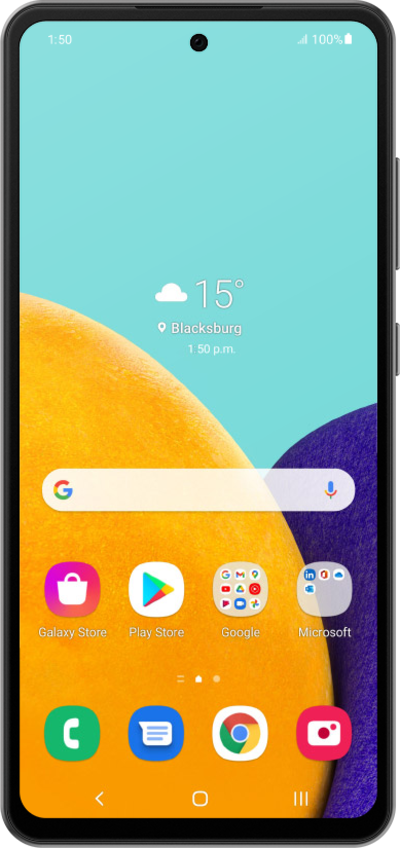
What would you like to learn about your device?
Trending Galaxy A16 5G topics
Resetting network settings
If you are having trouble connecting to the Internet you may need to reset your network connections. Resetting your network connections will disconnect any Bluetooth devices connected to your device and disconnect your device from any Wi-Fi networks it is connected to.
ExploreSetting up an eSIM with a push notification after device setup
This tutorial walks you through the process of setting up an eSIM on your device using a push notification sent by your carrier. This guide shows you how to accept the notification, download the eSIM profile, and activate your mobile service quickly and securely—without scanning a QR code or manually entering details.
ExploreUsing recovery mode to reset your device to factory settings
Your Android's Recovery Mode can be a powerful tool for troubleshooting your device, but you'll need to navigate its menus using your device's physical buttons.
ExploreSetting up Voicemail
Learn how to set up Voicemail so that you can store messages from calls you missed. If your Voicemail Icon does not appear try restarting your phone.
Explore