Switching Galaxy Watch faces
Galaxy Watch8 Classic
Switching Galaxy Watch faces
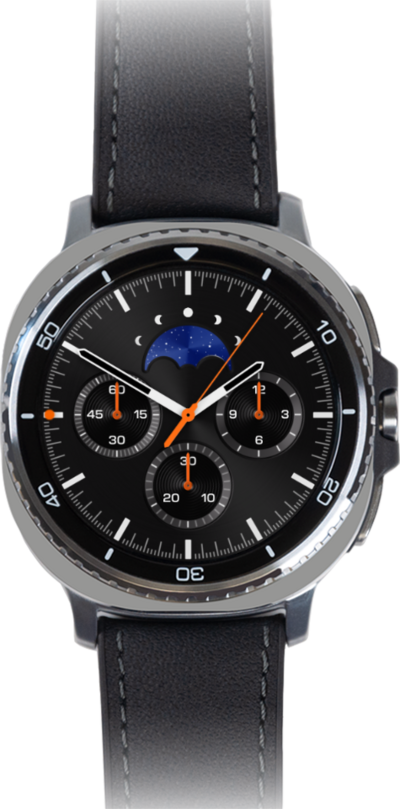
Your smart watch comes with a wide variety of watch faces. Learn how to switch between different faces directly on your watch.
1.
From the default watch face, touch and hold the display to access the customization options.
2.
Swipe from right to left to access watch faces to the right.
3.
You've completed the steps!
