Managing your recent apps
Galaxy Watch8 Classic
Managing your recent apps
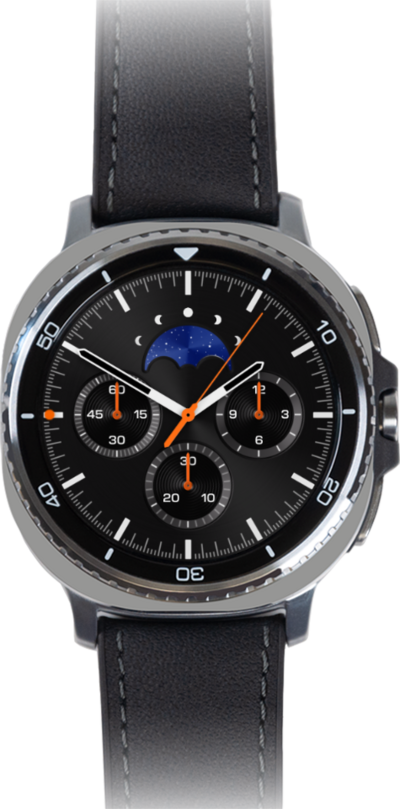
Learn to manage your recently used apps on your Galaxy Watch. Closing all unused apps can help your device run smoother.
1.
From a watch face, swipe up to view your apps.
2.
Tap the Recent apps icon.
3.
To close an app, swipe up.
4.
To close all recent apps, tap Close all.
5.
You've completed the steps!
