Controlling your device with Voice Access
Pixel 10 Pro XL
Controlling your device with Voice Access
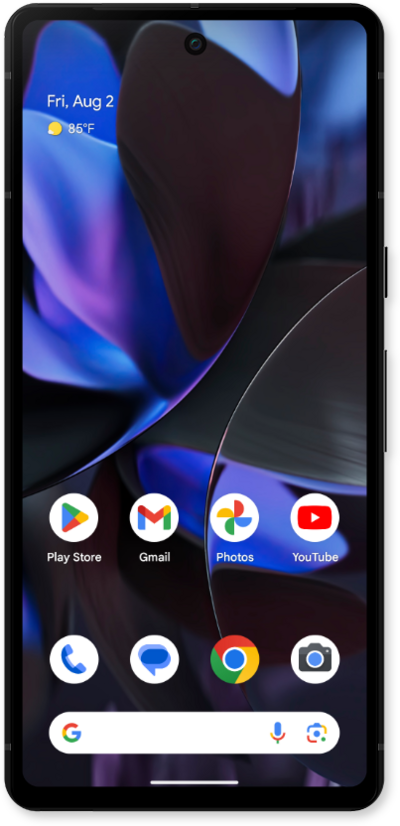
Voice Access allows you to navigate through your device, and even launch apps, by speaking to your device instead of tapping the screen.
1.
From within the Settings app, scroll to and tap Accessibility.
2.
Scroll to and tap Voice Access.
3.
Tap the Use Voice Access switch to ON.
4.
To activate Voice Access, say Hey Google.
For this example, we will be using a "Hey Google" command to activate Voice Access. You can also activate the feature by selecting Settings and turning the Activation button switch to ON.
5.
Speak Turn on Voice Access.
With Voice Access enabled, you can control your device with just your voice.
6.
To deactivate Voice Access, say Stop Listening.
7.
You've completed the steps!
