Personalizing the Quick Settings Panel
Pixel 10
Personalizing the Quick Settings Panel
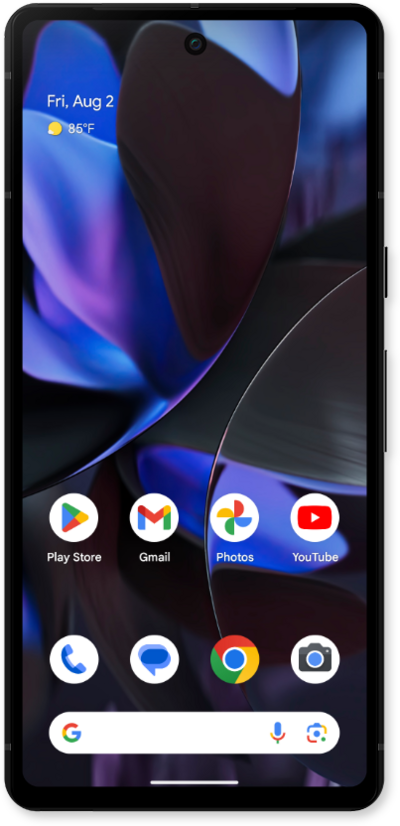
Learn how to edit your notifications panel to customize it to your needs. You can rearrange the icons in the notification panel.
1.
From the Home screen, drag down the Notification panel.
2.
Drag down the Quick Settings panel.
3.
Tap the Edit icon.
4.
Touch and hold a tile.
5.
Drag the tile to a new location.
6.
Swipe up from the bottom of your screen to save your changes.
7.
You've completed the steps!
