Using your phone as a webcam
Pixel 10 Pro
Using your phone as a webcam
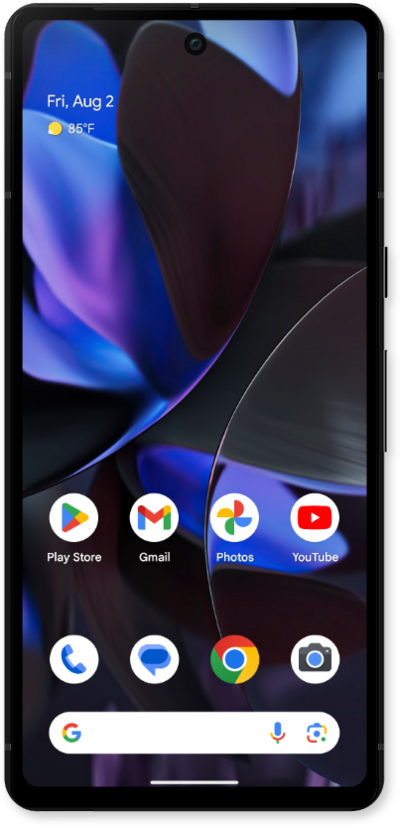
Learn how to enable the high quality webcam video feature.
1.
With a data-supported USB cable, connect your phone to your device.
2.
On your phone, tap the USB file transfer turned on notification.
3.
Select Webcam.
To adjust and preview your webcam, at the top of your screen, tap the Webcam notification.
4.
You've completed the steps!
