Setting up your screen lock
Pixel 10 Pro
Setting up your screen lock
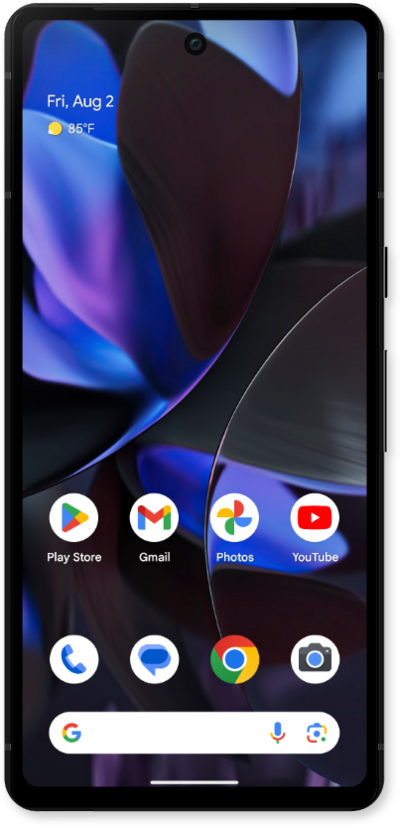
Screen locks secure your device and protect your device from being accessed by other people. Removing your security lock will allow anyone to be able to access your device. Note that if your device is requesting a PUK code, you will need to contact your carrier to unlock your device.
1.
From within the Settings app, scroll to and tap Security & privacy.
2.
Tap Device unlock.
3.
Tap Screen lock.
4.
Tap PIN.
For this tutorial, we're showing how to set up a PIN. You can select a different type of security, but steps may vary based on what you choose.
5.
Enter your desired PIN, then tap Next.
Your PIN must be at least 4 numbers long.
6.
Re-enter your PIN, then tap Confirm.
7.
Tap Done.
From here you can select how you would like notifications to appear on your Lock screen.
8.
To view additional screen lock settings, tap Screen lock and enter your PIN.
9.
From here, you can edit the following settings:
- Enhanced PIN Privacy: Hides visual feedback when you tap numbers on the lock screen, helping to prevent others from seeing your PIN.
- Lock after screen timeout: Sets how long your phone waits to lock after the screen turns off.
- Power button instantly locks: When enabled, pressing the power button immediately locks the phone, even if the screen timeout hasn’t occurred yet.
10.
You've completed the steps!
