Setting up Face Unlock
Pixel 6
Setting up Face Unlock
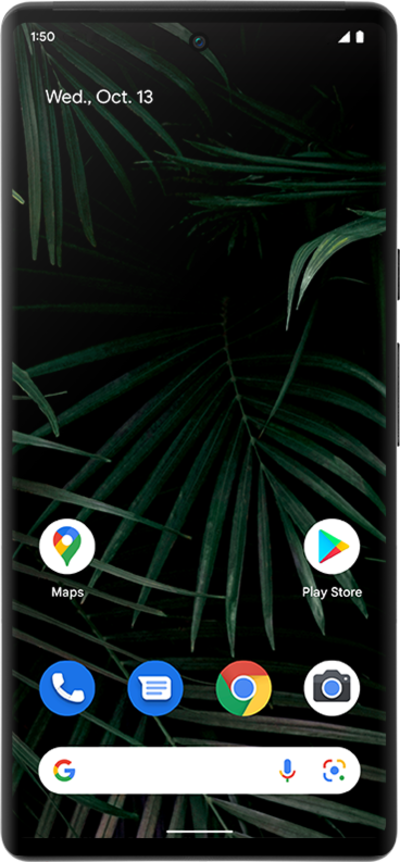
Set up Face ID to help keep your device or app secure. If your face is not recognized by the device, you will be prompted to input your PIN or passcode.
1.
From the Settings app, scroll to and tap Security & privacy.
2.
Tap Device unlock.
3.
Tap Face.
If you have a Screen lock set, you will be prompted to input your pin, password, or other screen lock info.
4.
Tap I agree.
5.
Tap Start.
6.
Follow the on-screen prompts to capture your face.
7.
Tap Done.
8.
You've completed the steps!
