Turning Do Not Disturb on or off
Pixel 7 Pro
Turning Do Not Disturb on or off
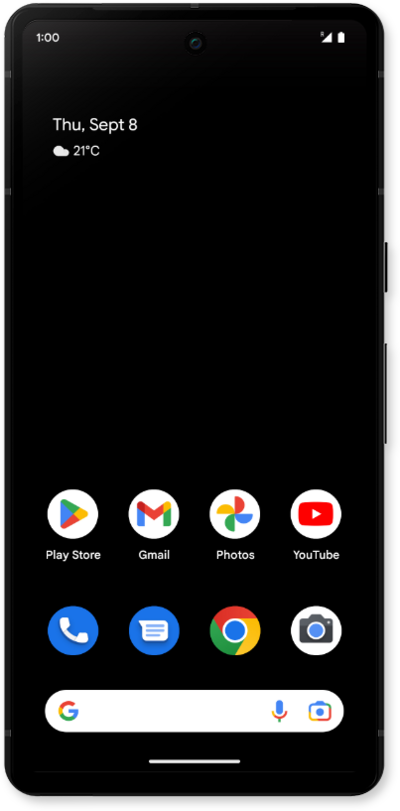
Do Not Disturb (DND) allows users to silence incoming calls and notifications temporarily, sending them directly to voicemail or marking them as missed.
1.
From the Settings app, tap Modes.
2.
This screen lets you choose different priority modes or create a custom one to limit notifications. For this tutorial we will tap Do Not Disturb.
3.
Tap the Turn on now toggle.
4.
Scroll to and tap Display settings.
5.
Tap Display options for filtered notifications.
6.
Select your notifications preferences.
7.
You've completed the steps!
