Changing your device’s name
Galaxy Watch8 Classic
Changing your device’s name
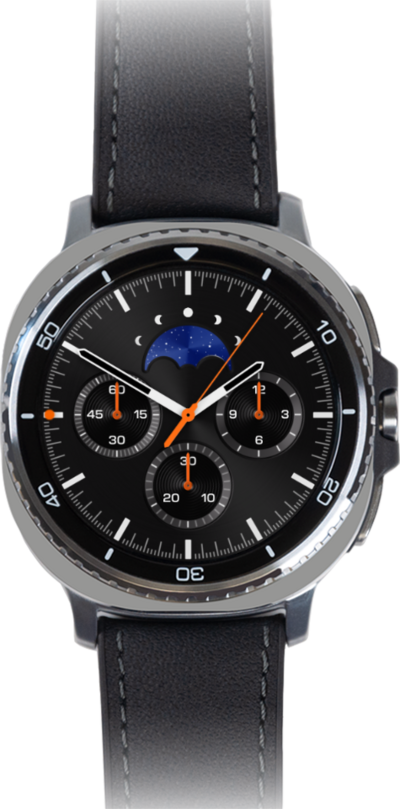
You can change the name of your device. This name will show up when you connect your device to a computer or wirelessly connect to another device.
1.
From the Samsung Wearable app, tap Watch settings.
2.
Scroll to About watch.
3.
Tap About watch.
4.
Tap Rename.
5.
Enter a new name for your device.
6.
When you're finished, tap Rename.
7.
You've completed the steps!
