Downloading apps, widgets, and watch faces
Galaxy Watch Ultra
Downloading apps, widgets, and watch faces
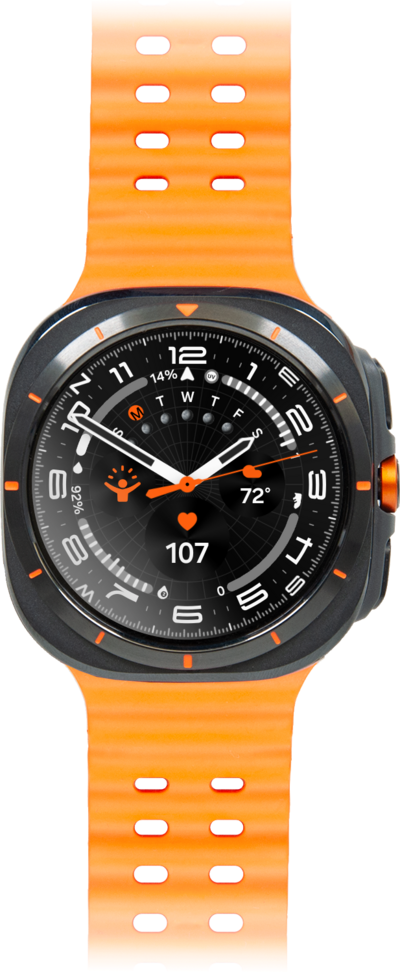
You can download an app or widget onto your device from your device's app store application. Once downloaded onto your device, you will be able to use that application or widget.
1.
From the Apps screen, tap the Play Store icon.
2.
Tap the Search icon.
3.
Enter the name of the app you'd like to search for.
For this tutorial, we're downloading an app. You can also download new watch faces or widgets.
4.
Tap the Search icon.
5.
Select an app.
6.
Tap Install.
7.
You've completed the steps!
