Attaching a file to a text
Galaxy Z Fold7
Attaching a file to a text
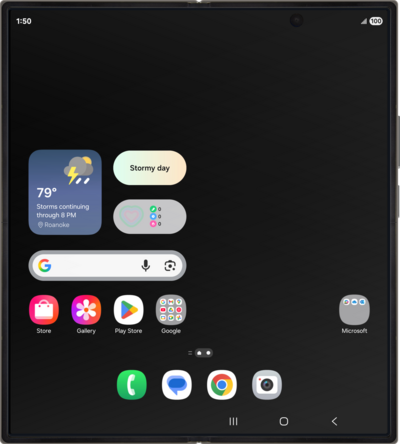
By adding a file, such as a photo or video, you will turn your SMS message into a MMS message (multimedia text message). You can send a multimedia text message to an individual or a group.
1.
From a composed message, tap the Plus icon.
2.
Tap Gallery.
3.
Select an image.
4.
Tap Done.
5.
Tap the Send icon.
6.
You've completed the steps!
