Adjusting your Smart suggestions widget setting preferences
Galaxy Z Fold7
Adjusting your Smart suggestions widget setting preferences
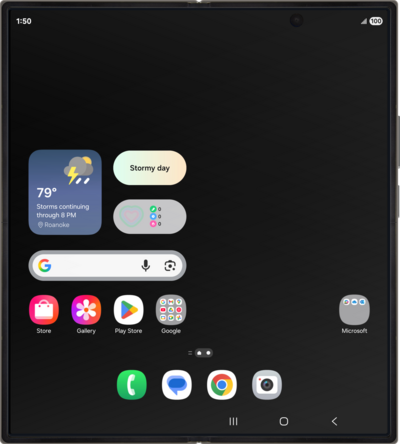
Adjust certain Smart suggestion widget settings such as transparency, color, etc.
1.
From the Home screen, touch and hold an empty space.
2.
Tap Widgets.
3.
Scroll to Suggest apps.
4.
Tap Suggest apps.
5.
Select your preferred widget size.
6.
Tap Add.
7.
Tap outside the widget to finalize its placement.
8.
Touch and hold the smart suggestion widget.
9.
Tap Settings.
10.
Set your preferences.
From here you can adjust the background color and other settings.
11.
Tap Save.
12.
You've completed the steps!
