Creating a timer
Pixel Watch 3
Creating a timer
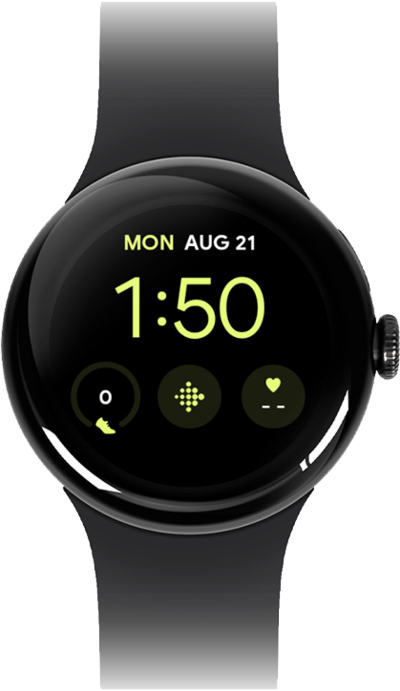
Learn how to set a timer on your watch.
1.
From the Timer app, tap Add new timer.
2.
Swipe to set the minutes.
3.
Tap Hour.
4.
Swipe to set the hours.
5.
Tap Seconds.
6.
Swipe to set the seconds.
7.
Tap the Check mark icon to save your new timer.
Your timer will begin counting down automatically. Its settings will be saved for later use, as well.
8.
You've completed the steps!
