Capturing a screenshot
Pixel Watch 4
Capturing a screenshot
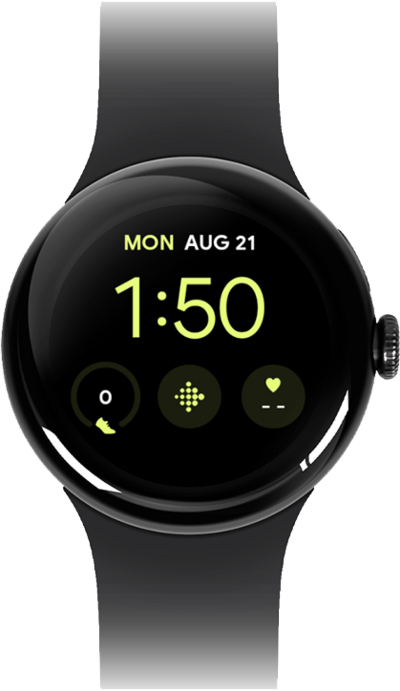
You can take screenshots of what is on your device. Screenshots can be viewed and shared like pictures.
1.
From the screen you would like to capture, press the Crown and Side button at the same time.
2.
On your paired device, drag down the Notification panel.
3.
Tap Ready to send watch screenshot.
4.
Choose a destination to share your screenshot to.
To save your screenshot, choose Photos. After this step, tap Upload to add the screenshot to your Photos app.
5.
You've completed the steps!
